Bug fix 1.0.3 is in review - pending release. Learn more

Native iOS app for Google Search Console

Track your search rankings from your iPhone

Monitor clicks, impressions, keywords, and Core Web Vitals. Get the data you need to improve your website's Google Search performance.

Uses Google's official Search Console API
Site overview
Top pages
Core Web Vitals

Real-time performance data

View clicks, impressions, CTR, and average position directly from Google's API.

Core Web Vitals monitoring

Track LCP, CLS, and INP scores. See how speed affects your rankings.

Secure and private

OAuth authentication. Your data stays in your Google account.

$5.99/mo
Simple monthly pricing
7 days
Free trial included
iOS 18+
iPhone and iPad

Get started in 4 simple steps

Access your Google Search Console data on iPhone in minutes.

1. Download

Get the app from the App Store on your iPhone or iPad.

2. Sign in

Connect with your Google account using secure OAuth.

3. Select site

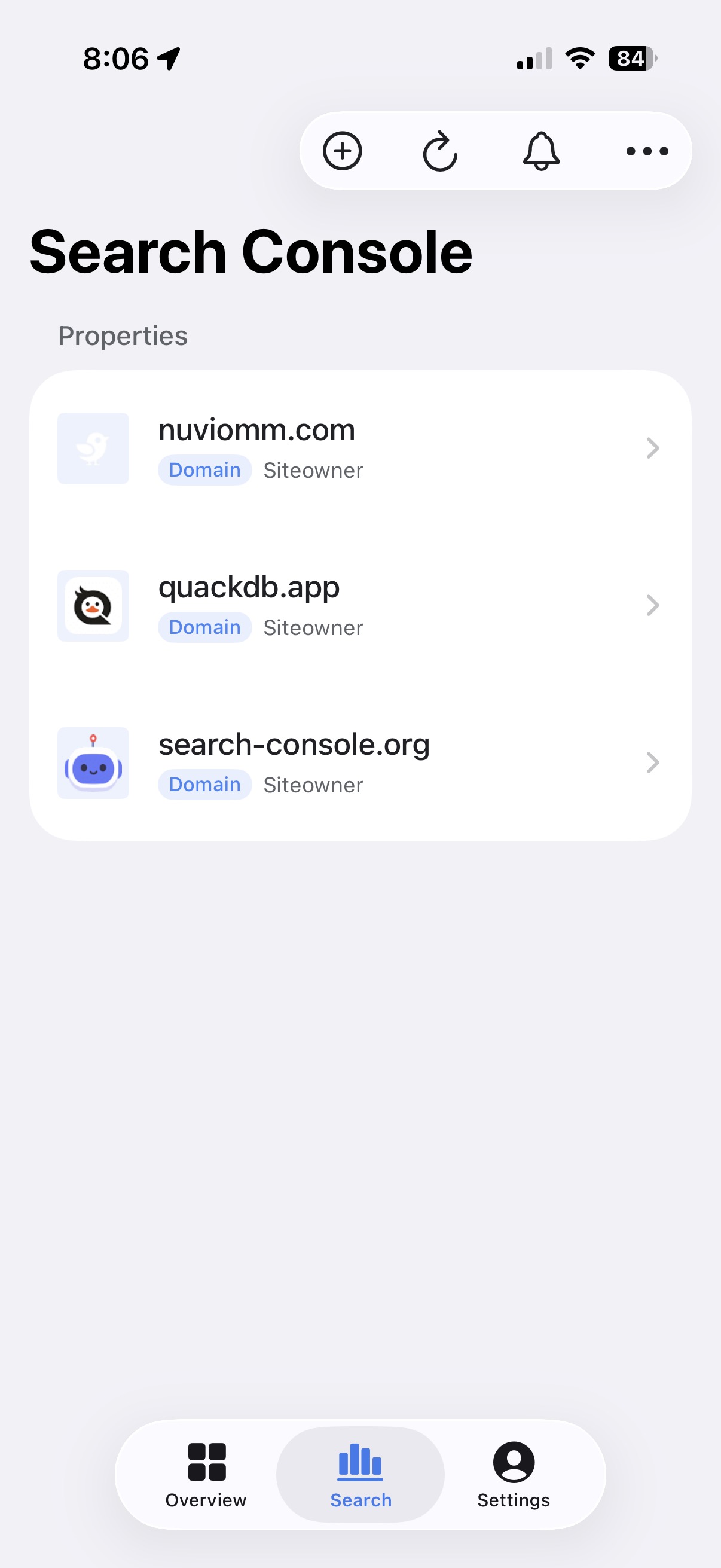
Choose from your verified Search Console properties.

4. Track data

View clicks, impressions, keywords, and Core Web Vitals.

Key Features Available on Mobile

Everything you need from Search Console, optimized for iPhone and iPad.

Performance Tracking

View clicks, impressions, CTR, and average position. Track how your site performs in Google Search results.

Data Analysis

Analyze data by query, page, country, or device. Filter by mobile, desktop, or tablet to understand your audience.

Core Web Vitals

Monitor LCP, CLS, and INP scores. See if site speed is affecting your search rankings on mobile and desktop.

Top Pages

See your best-performing URLs ranked by traffic. Identify what's working and what needs attention.

PDF Reports

Generate professional reports with one tap. Share performance data with clients or your team.

Push Notifications

Get daily or weekly performance summaries. Receive alerts when traffic changes significantly.

Designed for iPhone

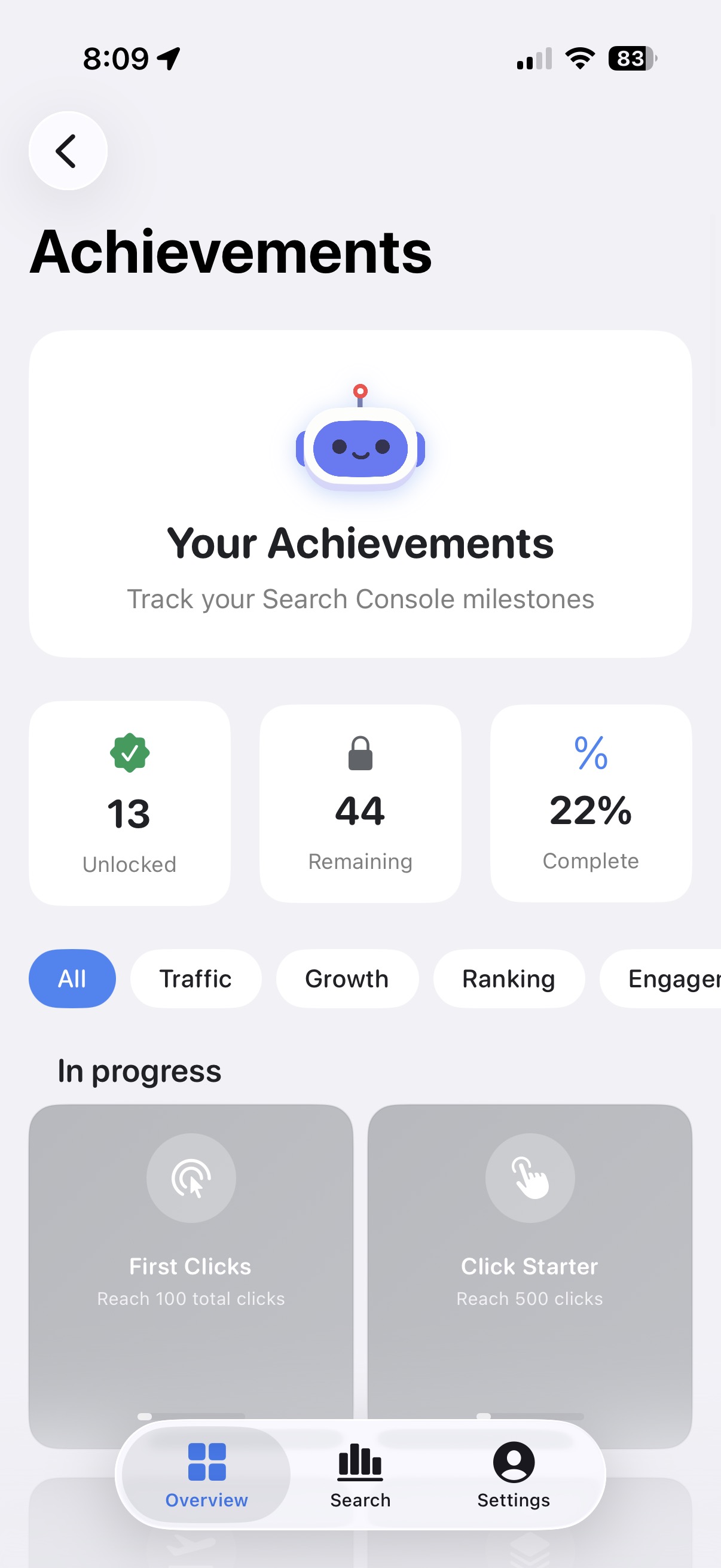
A native iOS experience built for speed and simplicity. Tap any screenshot to view full size.
Simple pricing

One plan, everything included. Cancel anytime.

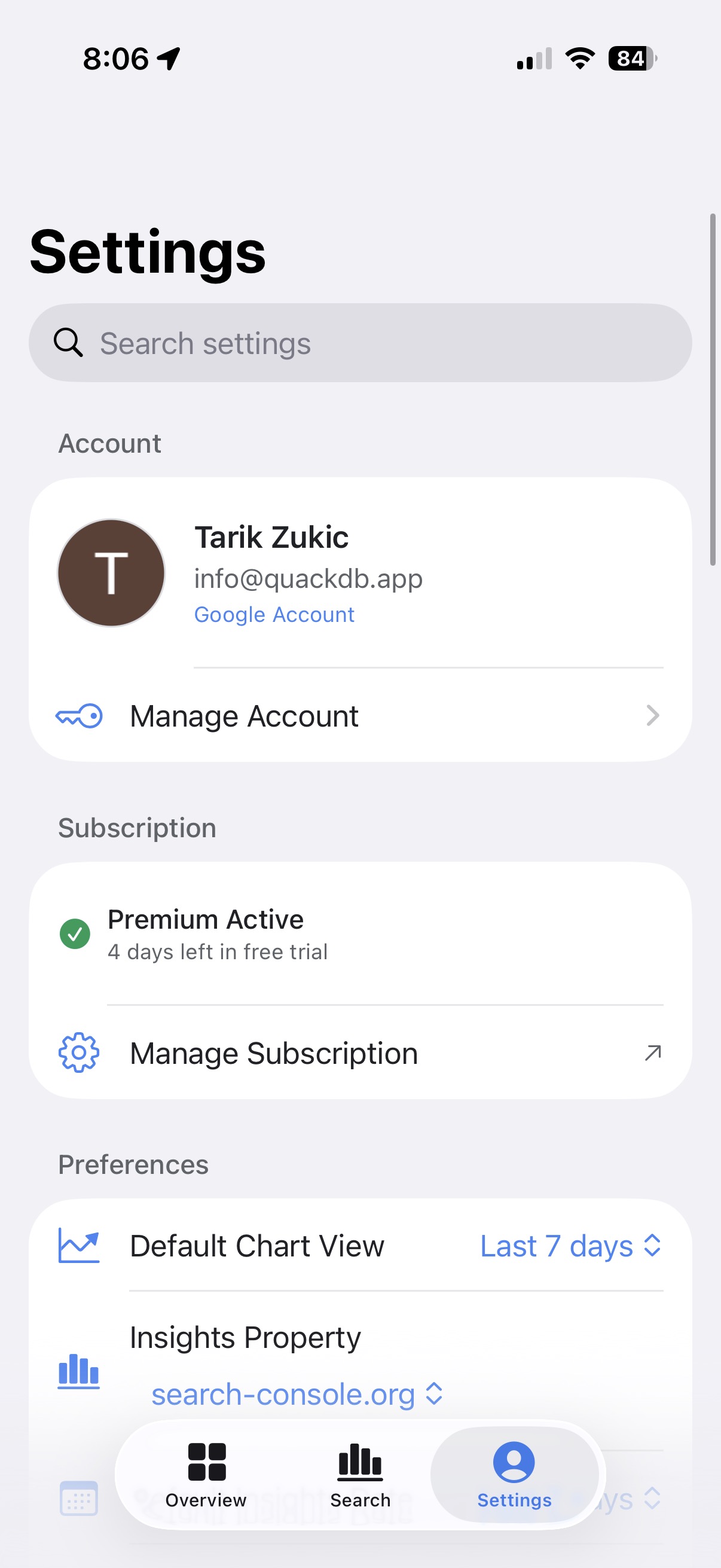
7-day free trial
$5.99
per month

Billed monthly through the App Store. Cancel anytime.

  • Real-time analytics (clicks, impressions, CTR, position)
  • 24-hour data access with hourly metrics
  • Core Web Vitals (LCP, CLS, INP)
  • Export reports as CSV or PDF
  • Unlimited Search Console properties
Start Free Trial

Frequently Asked Questions

Search Console for iOS is a native iPhone and iPad app that connects to Google Search Console via the official API. It lets you monitor your website's search performance, view clicks, impressions, CTR, average position, analyze search queries, check Core Web Vitals, and more - all from your mobile device.
No, Google does not offer an official Search Console app for iPhone. Search Console for iOS is an independent third-party app that uses Google's official Search Console API to bring your search data to your iPhone and iPad.
Download Search Console for iOS from the App Store and sign in with your Google account. The app uses secure OAuth authentication to connect to your Search Console properties. You can also use Safari to visit search.google.com/search-console, but a native app provides a much better mobile experience.
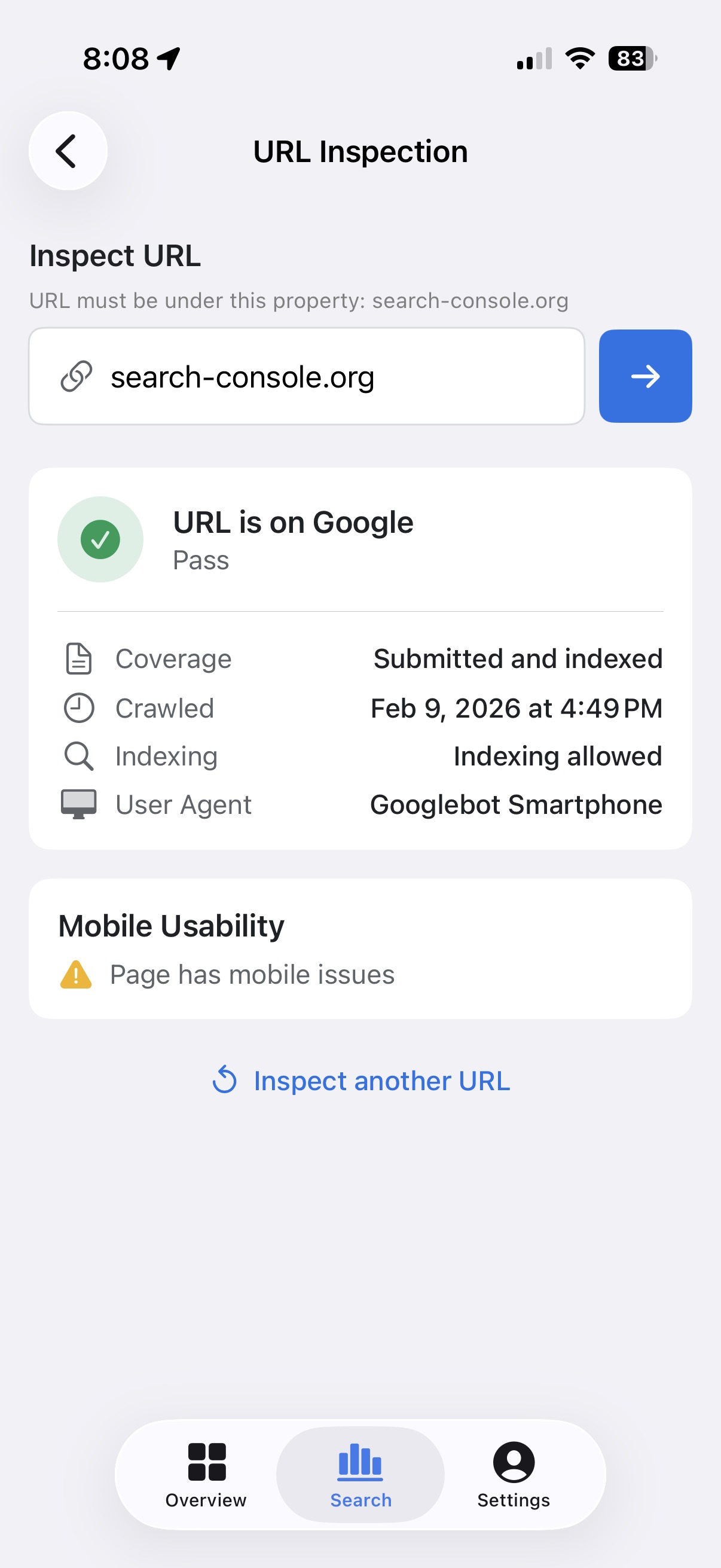
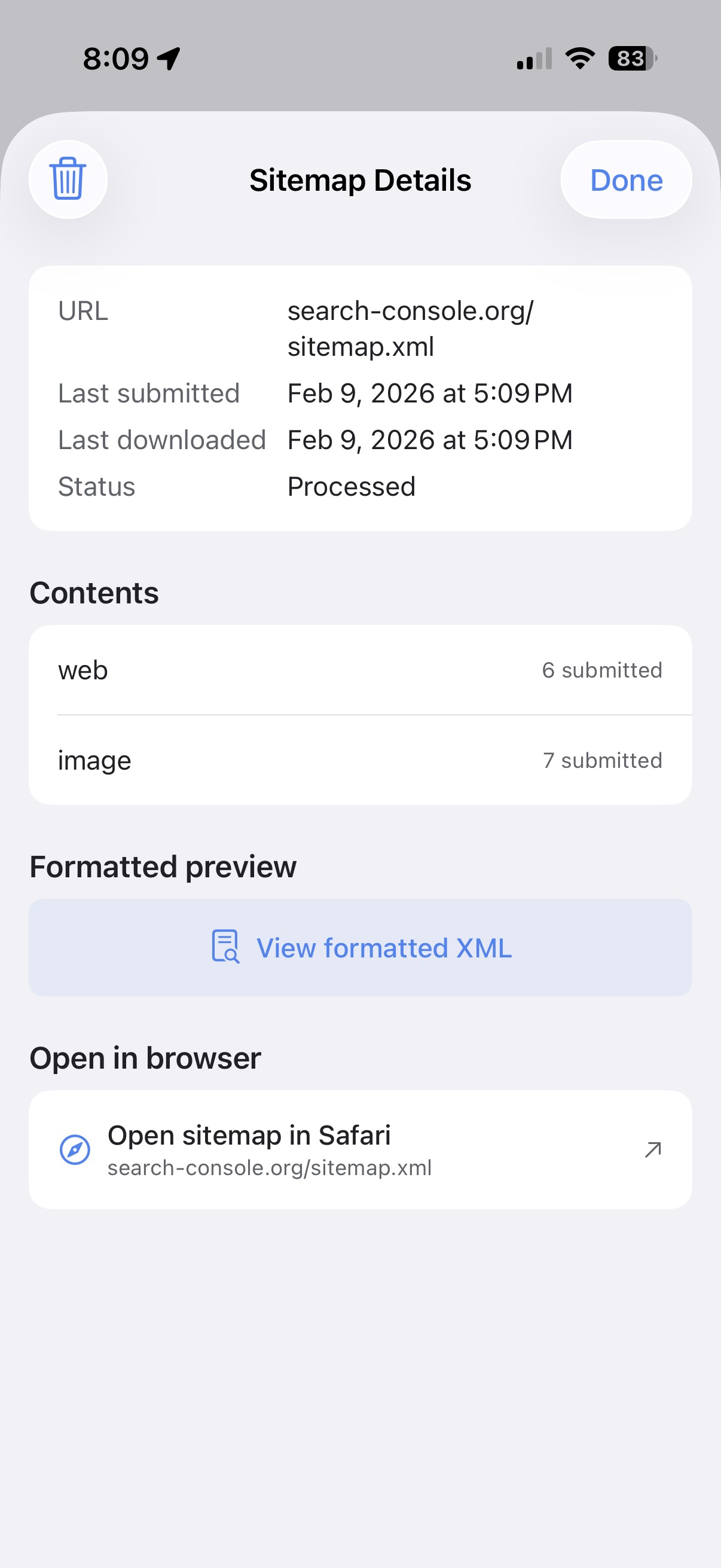
The app includes performance analytics (clicks, impressions, CTR, average position), search query analysis, top pages monitoring, Core Web Vitals (LCP, CLS, INP), URL inspection, sitemap management, device and country filtering, custom date ranges, interactive charts, and push notifications for performance alerts.
Tap "Sign in with Google" and use the same Google account that has access to your Search Console properties. The app uses OAuth for secure authentication - your password is never stored or accessed by the app.
Yes. The app connects directly to Google's official Search Console API using OAuth 2.0. Your data stays in your Google account - I don't store, collect, or have access to your Search Console data. All data shown is based on what Google collects and what you have enabled in your Google Account settings. You can manage your Google privacy settings here.
No. Search Console for iOS is an independent third-party app. It is not made by, affiliated with, endorsed by, or sponsored by Google LLC. The app uses Google's publicly available Search Console API.
Yes, you can cancel anytime through iPhone Settings > your name > Subscriptions. You'll keep access until the end of your current billing period.
The subscription covers continued app development and API costs. Unlike free apps that rely on ads or selling user data, Search Console for iOS has no ads and never accesses your data. Your subscription directly supports ongoing updates, new features, and improvements. Try it free for 7 days before subscribing.
Make sure your website is verified in Google Search Console on the web first. The app only shows properties you have access to in your Google account. If you recently added a site, try signing out and back in to refresh your properties.
Yes. Search Console for iOS works on both iPhone and iPad running iOS 18.0 or later. The interface adapts to take advantage of larger iPad screens.
Yes. The app displays your Core Web Vitals including Largest Contentful Paint (LCP), Cumulative Layout Shift (CLS), and Interaction to Next Paint (INP) for both mobile and desktop.
Yes. All websites you have access to in Google Search Console will appear in the app. You can easily switch between them from the main screen.
Data is fetched directly from Google's Search Console API each time you open the app or pull to refresh. Note that Google's Search Console data typically has a 2-3 day processing delay - this is a Google limitation, not an app limitation.
You can view data for the last 24 hours, 7 days, 28 days, 3 months, 6 months, 12 months, or 16 months - matching the options available in Google Search Console.
Not yet. I'm focused on iOS first. Sign up for updates and I'll let you know if an Android version is planned.
The app caches your most recent data, so you can view it offline. However, an internet connection is required to fetch new data from Google.

Get notified about new features and updates first

I'll email you when I ship new features and updates. No spam, unsubscribe anytime.